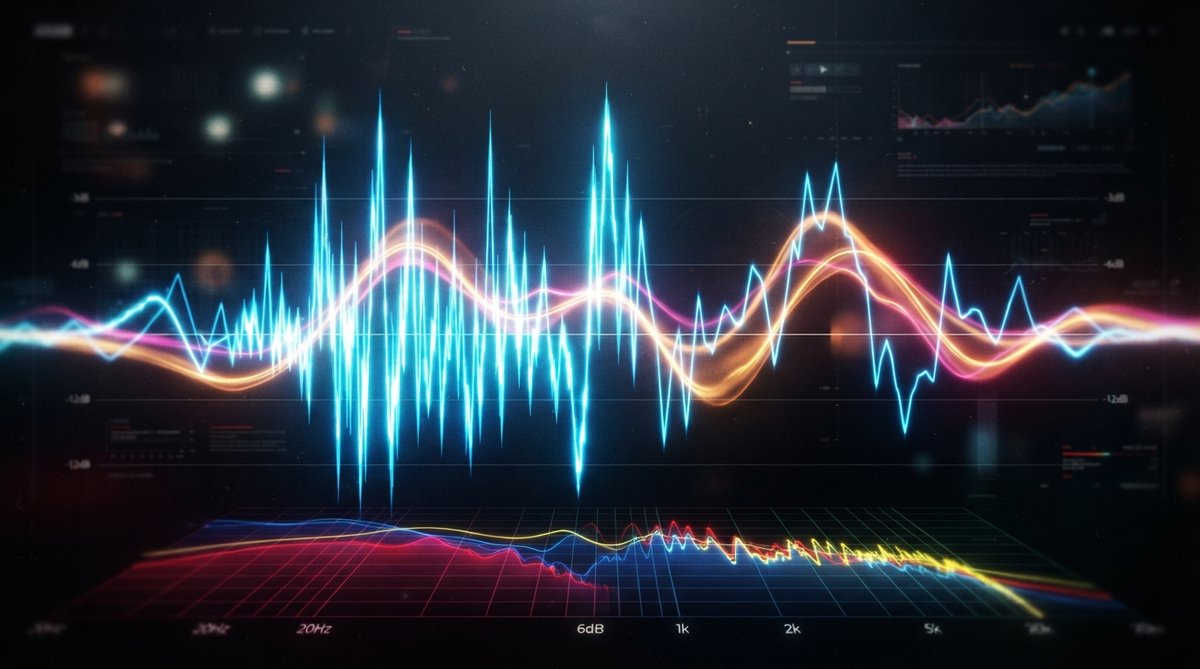
Peak Levels: The Ceiling of Your Sound
Peak levels refer to the absolute maximum amplitude reached by an audio signal. In digital audio, this is often measured in dBFS (decibels Full Scale), where 0 dBFS is the highest level possible before digital clipping occurs. Monitoring peak levels is essential for preventing distortion and ensuring your signal stays within the technical limits of your system. A waveform that hits 0 dBFS might sound clean, but if it consistently slams against that ceiling, it leaves no room for transients or musical expression.
While peak levels protect against clipping, they do not accurately represent how loud a listener will perceive your audio.
Perceived Loudness: What We Actually Hear
Perceived loudness is a subjective experience. It's how loud we think something is, and it's influenced by more than just the highest point of a waveform. Factors like the overall energy content, the frequency balance, and the dynamic range all play a significant role. A track with a wide dynamic range, even if its peaks are high, might not sound as 'loud' as a heavily compressed track with lower peaks but a higher average level.
RMS and LUFS: Measuring Perceived Volume
To get a more accurate representation of perceived loudness, engineers use metrics like RMS (Root Mean Square) and LUFS (Loudness Units Full Scale).
- RMS measures the average power of an audio signal over time. It's a much better indicator of how 'dense' or 'energetic' a track sounds compared to peak levels. A higher RMS value generally correlates with a higher perceived loudness.
- LUFS is the modern industry standard. It's a sophisticated algorithm that takes into account the human ear's sensitivity to different frequencies and integrates loudness over a specific period. This makes LUFS an excellent tool for ensuring your mixes have consistent perceived loudness, especially when preparing them for streaming platforms. You can learn more about this in our article Optimizing Your Mix For Streaming Platforms Loudness And True Peak.
Dynamic Range: The Space Between Loud and Quiet
Dynamic range is the difference between the loudest and quietest parts of your audio. It's crucial for musical expression and impact. While reducing dynamic range (through compression or limiting) can increase perceived loudness by raising the average level, too much can make a mix sound fatiguing, lifeless, or 'squashed.' Finding the right balance is key to creating a powerful yet engaging sound. We explore this further in Mastering Dynamic Range Balancing Punch And Sustain In Your Mix.
Visualizing Your Loudness and Dynamics
Relying solely on your ears is important, but visual tools offer invaluable feedback. An oscilloscope like Oszillos Mega Scope allows you to 'see' your waveforms, observe transients, and understand how compression or limiting affects your signal's peaks and overall shape. This visual feedback is incredibly useful for fine-tuning dynamics and ensuring proper gain staging before you even think about mastering. Check out [LINK:unlock-the-power-of-audio-analysis-with-oszillos-mega-scope] for more.
A spectrum analyzer, such as Spectrum 2, helps you visualize the frequency content of your mix. Since our ears are more sensitive to certain frequencies, understanding your spectral balance is vital for perceived loudness. A mix with too much low-mid buildup, for example, might feel loud but lack clarity and punch. Using a spectrum analyzer can help you identify and address these issues, leading to a more balanced and impactful sound. For more on this, see Spectrum 2 The Ultimate Multi Channel Spectrum Analyser Plug In. The Oszillos & Spectrum Bundle offers both these powerful tools at a discount.
Visualizing your audio with tools like oscilloscopes and spectrum analyzers provides critical feedback, complementing your ears in the quest for balanced loudness and dynamic impact.
Shaping Dynamics for Perceived Impact
Achieving impactful perceived loudness isn't just about making things 'louder.' It's about enhancing the right elements and managing dynamics thoughtfully. Plugins like OOMPH, a multi-band dynamic enhancement tool, can help maximize the punch, clarity, and overall impact of your sounds by allowing you to independently control saturation, balance, dynamics, and stereo width across different frequency bands. This kind of frequency-specific control enables you to refine the perceived loudness and character of individual tracks or your entire mix, making it sound bigger and more present without simply increasing peak levels. Careful gain staging throughout your signal chain is also paramount to ensure you're working with a healthy signal from the start, as discussed in The Art Of Mastering Gain Staging Keeping Your Signal Clean.