Why Streaming Loudness Matters
In the past, the goal was often to make your music as loud as possible to stand out. However, streaming platforms have implemented loudness normalization, meaning they adjust the playback volume of your track to a target LUFS (Loudness Units Full Scale) level. If your track is too loud, it will be turned down. If it's too quiet, it might be turned up, potentially exposing noise or other issues. The aim is a consistent listening experience across different songs and genres.
Understanding LUFS and Target Levels
LUFS is a standard for measuring perceived loudness, taking into account how the human ear hears sound. Most major streaming platforms have their own target LUFS levels:
- Spotify: Approximately -14 LUFS Integrated
- Apple Music: Approximately -16 LUFS Integrated
- YouTube: Approximately -14 LUFS Integrated
These are target playback levels. This means you don't necessarily need to master to -14 LUFS; rather, you should master with enough dynamic range so that when the platform adjusts your track, it still sounds impactful. Aiming for around -10 to -12 LUFS Integrated for your master often provides a good balance, allowing platforms to turn it down slightly without crushing dynamics too much, or turn it up if needed.
Mastering with healthy dynamic range is more important than hitting a specific LUFS target, as streaming platforms will adjust playback levels.
The Critical Role of True Peak
While LUFS measures perceived loudness, True Peak measures the absolute peak level of your audio signal, including inter-sample peaks. Inter-sample peaks are transient peaks that can occur between digital samples and might not be registered by standard digital peak meters. If your audio exceeds 0 dBFS True Peak, it can lead to clipping, distortion, and a harsh sound during playback, especially after the lossy encoding used by streaming services.
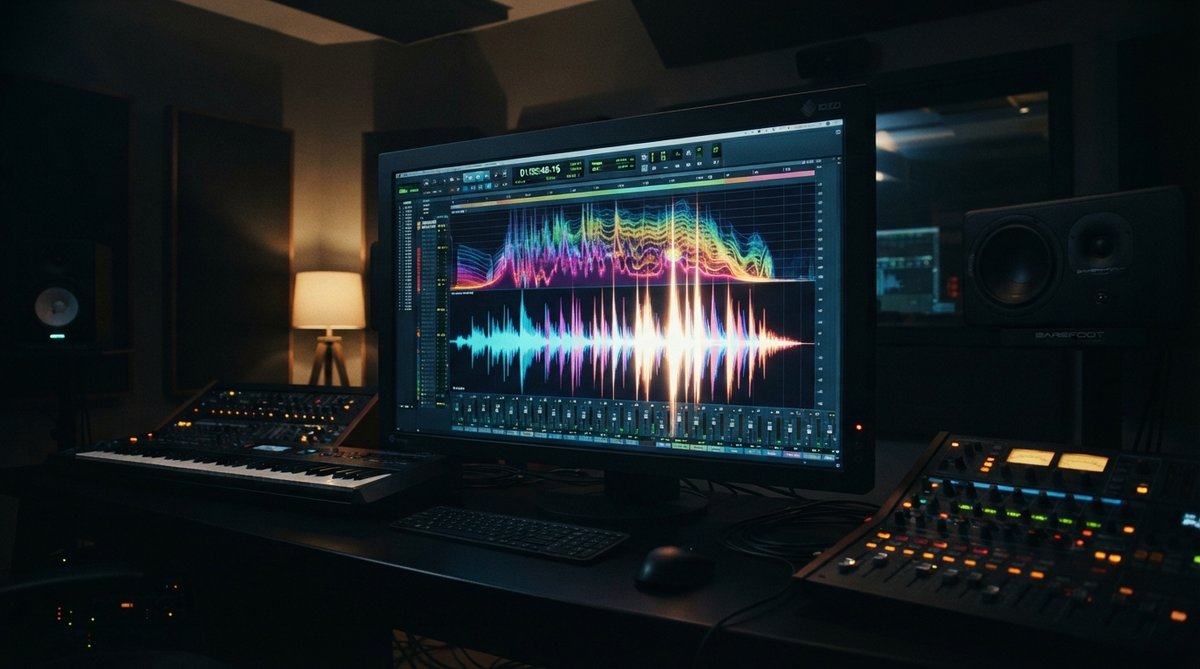
Most streaming platforms recommend a maximum True Peak level of -1 dBTP (decibels True Peak) or -2 dBTP. Adhering to this is crucial for a clean, undistorted master. Visualizing your waveforms can help identify potential clipping points. Oszillos Mega Scope is an excellent tool for seeing your audio's waveform in real time, helping you spot transients that might be causing issues. For a deeper dive into visual analysis, check out our article Oszillos Mega Scope Multi Channel Audio Oscilloscope Plug In.
Always monitor True Peak levels and aim for -1 dBTP or -2 dBTP to prevent distortion after streaming platform encoding.
Metering and Mastering Strategies
To effectively manage loudness and true peak, you need reliable metering. A good loudness meter will show you Integrated, Short-Term, and Momentary LUFS, along with True Peak levels. Place this meter at the very end of your mastering chain.
Beyond metering, consider these strategies:
- Dynamic Range: Avoid excessive compression and limiting. While some compression is necessary for a polished sound, over-compressing can remove impact and make your track sound fatiguing when normalized. Tools like OOMPH can help you enhance dynamics in specific frequency bands without crushing the overall mix. Learn more about multiband dynamics in our article Mastering Multiband Dynamics Shaping Your Mix With Frequency Specific Control.
- Limiting: Use a true peak limiter as the final stage of your mastering chain. Set its output ceiling to -1 dBTP or -2 dBTP. Be careful not to drive it too hard; if your mix is already well-balanced, the limiter should only be catching the very loudest peaks.
- Frequency Balance: A well-balanced mix with no runaway frequencies will translate better to streaming. Use a spectrum analyzer like Spectrum 2 to identify and address any frequency clashes that might contribute to unwanted peaks or a muddy sound. Our article Beyond The Ears Using A Spectrum Analyzer For Precise Eq Decisions offers further guidance.
Final Checks Before Export
Before exporting your master, listen to it at different playback levels, including very quiet, to ensure all elements are present and balanced. Compare it to professionally mastered tracks on streaming services (using their normalized playback) to gauge its perceived loudness and dynamic feel. Export your final master in a high-quality format, such as 24-bit WAV, as this gives the streaming platforms the best source material to work with.