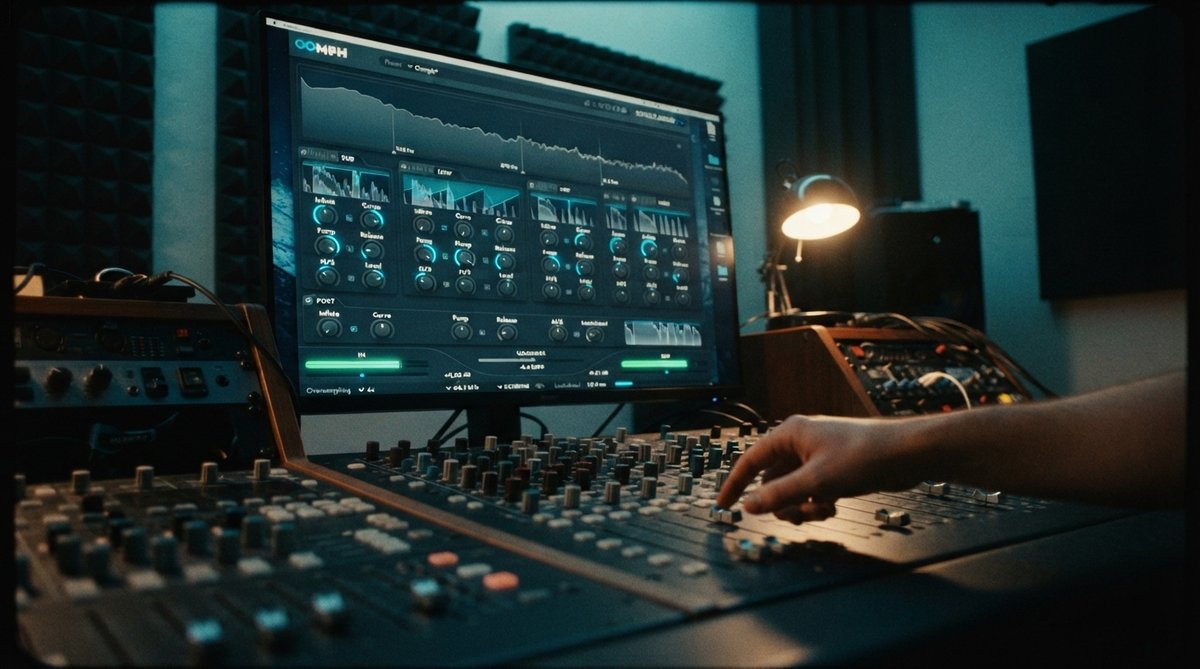
What is Multiband Dynamics?
At its core, multiband dynamics processing splits your audio signal into several independent frequency bands. Each band then gets its own set of dynamic processors, typically compressors or expanders, allowing you to apply unique settings to the lows, low-mids, high-mids, and highs. This differs significantly from traditional broadband compression, which treats the entire frequency spectrum as one unit. While broadband compression is essential for overall glue and control, it can sometimes create unwanted side effects, like pumping the entire mix when a kick drum hits, or dulling the highs when a vocal gets too loud.
Multiband dynamics lets you solve problems or enhance elements in one frequency area without affecting others.
Why Frequency-Specific Control Matters
The ability to target specific frequency ranges with dynamics processing opens up a world of possibilities for mix control and audio shaping. You can:
- Tame harsh highs: If cymbals or sibilant vocals are occasionally too bright, you can compress just the high-frequency band without dulling the entire track.
- Punch up lows: A bass guitar or kick drum might lack impact, but boosting the low end with EQ can make the mix muddy. Multiband compression can tighten the low end, giving it more punch without adding unwanted resonance.
- Control resonant frequencies: Certain frequencies can build up and sound unpleasant. A multiband compressor can act like an automatic EQ, dipping these problem frequencies only when they exceed a set threshold. Using a tool like Spectrum 2 can help you accurately identify these clashing frequencies, as discussed in Identifying And Fixing Frequency Clashes For A Crystal Clear Mix and Beyond The Ears Using A Spectrum Analyzer For Precise Eq Decisions.
- Enhance specific elements: You can subtly expand or compress a band to bring out the sustain of a guitar solo's midrange or add more snap to a snare drum's high-mids.
Key Parameters and How to Use Them
Multiband processors typically offer controls similar to standard compressors, but duplicated for each frequency band:
- Crossover Frequencies: These define where one frequency band ends and the next begins. Setting these correctly is crucial for effective processing. Listen carefully to how different elements of your mix interact across these points.
- Threshold: Determines the level at which the dynamics processing begins for that specific band.
- Ratio: Controls how much the signal is compressed or expanded once it crosses the threshold. Learn more about how ratios work in Understanding Compression Ratios From Subtle Glue To Aggressive Punch.
- Attack: Sets how quickly the processor reacts to signals exceeding the threshold.
- Release: Determines how quickly the processor returns to its original state once the signal drops below the threshold.
- Gain (Makeup Gain): Allows you to compensate for any level reduction caused by compression within each band.
Practical Applications in Your Mix
Multiband dynamics can be applied to individual tracks, instrument groups, or even the master bus:
- Drums: Use it to control the harshness of cymbals in the high frequencies while adding punch to the kick drum's low end without affecting the snare's body.
- Vocals: Tame sibilance (harsh 's' sounds) in the upper mids without making the entire vocal sound dull. You can also even out dynamics in specific vocal registers.
- Master Bus: A gentle touch of multiband compression on the master bus can help achieve a balanced and cohesive sound, enhancing the overall spectral balance of your mix. This can be a part of advanced bus processing techniques for cohesion and macro-tone shaping, as discussed in Glue Your Mix Advanced Bus Processing For Cohesion And Macro Tone Shaping. Some multiband processors also offer frequency-specific mid-side processing, which can be a powerful tool for Frequency Specific Stereo Width Using Mid Side Processing For A Deeper Soundstage.
Our Multiband Solution: OOMPH
For precise, frequency-specific control, OOMPH is a multi-band dynamic enhancement plugin designed to maximize the punch, clarity, and impact of your sounds. It splits your audio into four flexible bands, allowing you to independently enhance frequency zones, controlling their saturation, balance, dynamics, and stereo width. Whether you are refining individual sounds or placing it on mix and master busses for cohesion, OOMPH provides powerful tools for detailed sonic shaping.
Combine visual analysis with multiband processing for truly informed decisions.
Visualizing Your Dynamics and Frequencies
While your ears are the ultimate judge, visual feedback can greatly assist in setting up multiband dynamics. A spectrum analyzer like Spectrum 2 helps you see the frequency content of your mix, making it easier to identify problem areas or bands that need enhancement. Similarly, an oscilloscope such as Oszillos Mega Scope can help you visualize transients and how dynamics processing affects the waveform, which is particularly useful for fine-tuning attack and release settings. You can learn more about these tools in [LINK:unlock-the-power-of-audio-analysis-with-oszillos-mega-scope] and Spectrum 2 The Ultimate Multi Channel Spectrum Analyser Plug In.
Tips for Effective Multiband Processing
Multiband dynamics is a powerful tool, but it's easy to overdo it. Here are some tips:
- Use sparingly: Often, less is more. Start with subtle adjustments and only increase the processing if necessary.
- Listen in context: Always evaluate your multiband settings within the full mix, not in solo. Soloing bands can be useful for identifying issues, but the final judgment should be in context.
- Start with broadband: Address overall dynamics with a good broadband compressor first, then use multiband for surgical, frequency-specific refinements.
- Know your goal: Before applying multiband processing, have a clear idea of what you want to achieve. Are you taming a harsh frequency, adding punch, or evening out an instrument's dynamics?