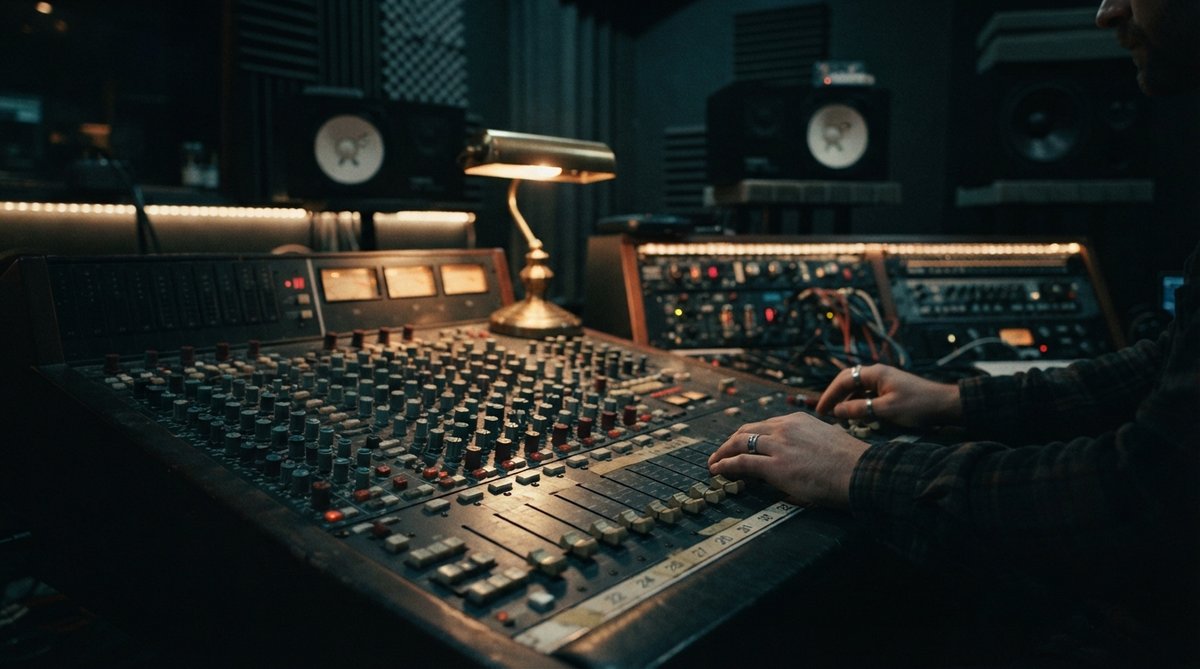
Understanding the Core Concept
At its heart, parallel processing relies on creating a duplicate of your audio signal. One path remains dry, preserving the original dynamics and character. The other path, the wet signal, gets heavily processed. By blending these two paths, you can introduce extreme effects without completely losing the integrity and punch of the original sound. Many modern plugins offer a simple wet/dry knob, which is a form of parallel processing, but using sends and returns in your DAW gives you more control.
Parallel Reverb: Adding Depth Without Drowning
A common and highly effective use of parallel processing is with reverb. Instead of placing a reverb directly on a track and struggling to find a balance between ambiance and clarity, send your signal to a dedicated reverb return track. On this return track, dial the reverb plugin to 100% wet, then heavily compress and EQ it. You can then blend this dense, shaped reverb into your mix. This approach lets you create huge, lush spaces without pushing the dry signal back in the mix or losing its presence. Try this with RedVerb 2 to craft unique impulse response spaces, or with JP-ME-1 for iconic 80s digital reverb character. For more on reverb, check out Convolution Reverb Explained Mastering Impulse Responses For Realistic Spatial Effects and The Essential Guide To Reverb Pre Delay Adding Depth And Clarity To Your Mix.
Parallel reverb allows you to create massive, sculpted spaces while keeping your dry signal upfront and clear.
Parallel Delay and Modulation: Rhythmic Textures and Width
Similar to reverb, parallel delay can add rhythmic complexity and depth. Send your track to a delay bus, set the delay to 100% wet, and experiment with filtering, saturation, or even pitching the delay repeats. This keeps the main signal crisp while the echoes create an interesting backdrop. For modulation effects, applying a subtle chorus with JUNI 1984 CHORUS in parallel can add width and movement without making the original sound phasey or washed out. You can learn more about chorus effects in What Is A Chorus Effect How To Add Width And Movement To Your Mix and explore delay techniques in Creative Delay Techniques Adding Dimension And Groove To Your Productions.
Parallel Saturation and Distortion: Adding Grit and Harmonics
One of the most exciting applications of parallel processing is with saturation and distortion. If you want to add warmth, harmonics, or even aggressive grit to a sound without completely crushing its dynamics, send it to a parallel bus with a distortion or saturation plugin. Drive the plugin hard, then blend this saturated signal back in. This technique is fantastic for bass, drums, vocals, or synths, giving them more character and perceived loudness. Use Schulz Tonebreaker for classic British blues overdrive character or Schulz PortaCrunch 424 for lo-fi tape saturation. For frequency-specific enhancement, OOMPH can split your signal into four bands, allowing you to apply saturation and dynamic enhancement to specific frequency ranges in parallel within the plugin itself, offering a nuanced approach to sound design. Read more about saturation's role in The Role Of Saturation In Modern Mixing Adding Harmonics And Warmth and multiband dynamics in Mastering Multiband Dynamics Shaping Your Mix With Frequency Specific Control.
Parallel saturation allows you to infuse warmth and aggression into a sound without sacrificing its original punch and clarity.
Creative Sound Design and Advanced Blending
Don't limit yourself to traditional effects. Consider parallel EQ, where you can carve out or boost frequencies on a duplicate signal and blend it for unique tonal sculpting. You could even use parallel transient shapers to enhance attack or sustain on a duplicate, then subtly mix it in. The key is experimentation. Use tools like Oszillos Mega Scope to visually inspect how your parallel signals are interacting, especially concerning phase relationships. Spectrum 2 can help you see the combined frequency content, ensuring your parallel processing adds to, rather than detracts from, your mix. Visual analysis tools are invaluable for making informed decisions when blending complex parallel chains. Dive deeper into audio analysis with [LINK:unlock-the-power-of-audio-analysis-with-oszillos-mega-scope] and Spectrum 2 The Ultimate Multi Channel Spectrum Analyser Plug In.