What is Convolution Reverb?
At its core, convolution reverb is a digital audio process that applies the acoustic characteristics of a real-world space to an audio signal. Instead of generating a reverb algorithmically, it uses a technique called convolution to combine your dry audio with a recorded 'snapshot' of a room. This snapshot captures all the intricate reflections, echoes, and frequency responses of that particular space, resulting in an exceptionally natural and immersive sound.
Convolution reverb uses recorded acoustic 'snapshots' of real spaces to create remarkably authentic room simulations.
The Magic of Impulse Responses (IRs)
The 'snapshot' mentioned above is known as an impulse response (IR). An IR is essentially a recording of how a specific space responds to a very short, sharp sound, like a pistol shot, a clap, or a sine sweep played through a speaker. This recording captures every detail of the room's acoustics: the early reflections bouncing off nearby surfaces, the density and character of the decay, and even the natural EQ curve of the space. When a convolution reverb plugin, such as RedVerb 2, processes your audio using an IR, it mathematically 'imprints' these acoustic characteristics onto your sound, making it seem as if your audio was played directly within that recorded environment.
Why Realistic Spatial Effects Matter
Realistic spatial effects are crucial for creating believable depth and context in a mix. Whether you are placing a vocal in a grand hall, a drum kit in a tight studio room, or a guitar in an intimate club, convolution reverb allows you to achieve this with remarkable accuracy. Unlike some algorithmic reverbs that might sound artificial, convolution reverb provides the organic complexity of real acoustic spaces. You can also manipulate key parameters like Size and Decay to adjust the character of the IR, and fine-tune the Pre-delay to create space and clarity for your dry signal, as discussed in The Essential Guide To Reverb Pre Delay Adding Depth And Clarity To Your Mix and Beyond The Basics Sculpting Reverb Size And Decay For Perfect Ambiance.
IRs capture the unique acoustic fingerprint of any space, offering unparalleled realism for placing sounds in a mix.
Practical Applications in Your Mix
Convolution reverb excels at creating a sense of cohesion by placing different elements of your mix within the same virtual space. Imagine recording a vocal dry and then applying an IR of a famous concert hall to give it a majestic presence. Or, use an IR of a vintage spring reverb unit to add authentic character to a guitar. You can also use convolution creatively, applying IRs of non-traditional spaces or objects to craft unique textures and sound design elements. For a broader perspective on reverb types, consider reading Algorithmic Vs Convolution Vs Hybrid Choosing The Right Reverb For Your Sound.
Convolution reverb is particularly effective for drums, vocals, and acoustic instruments, where the natural interaction with a space contributes significantly to their sound. By using high-quality IRs, you can transport your listeners to specific locations, adding depth and immersion that traditional reverbs often struggle to replicate.
Exploring Impulse Responses with [PRODUCT:redverb2]
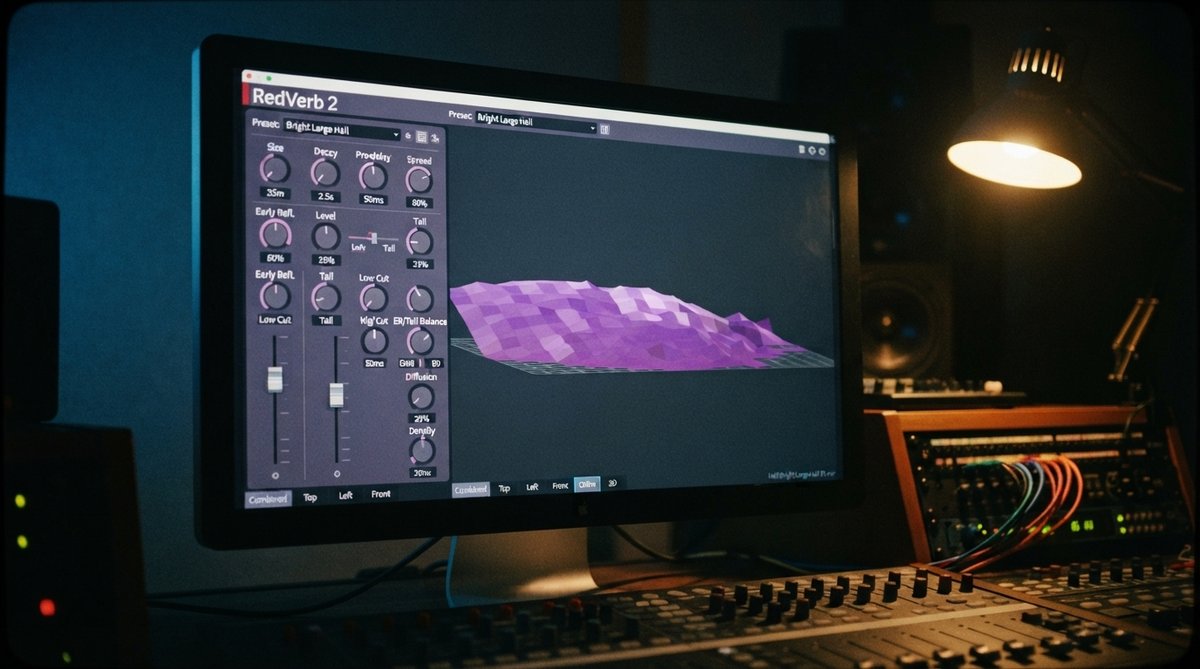
RedVerb 2 is designed to make working with impulse responses intuitive and creative. It lets you simply drag and drop your own IRs into the plugin window, giving you immediate access to countless real-world spaces and custom textures. Once loaded, you are not limited to the static sound of the IR. You can use the Size and Decay knobs to adjust the perceived dimensions and sustain of the room, effectively coloring and shaping the impulse response. The Pre-delay parameter allows you to control the time before the reverb begins, helping to maintain clarity for your dry signal. Additionally, the spread slider offers subtle stereo positioning or more pronounced stereo echo effects, giving you comprehensive control over the spatial characteristics of your sound.