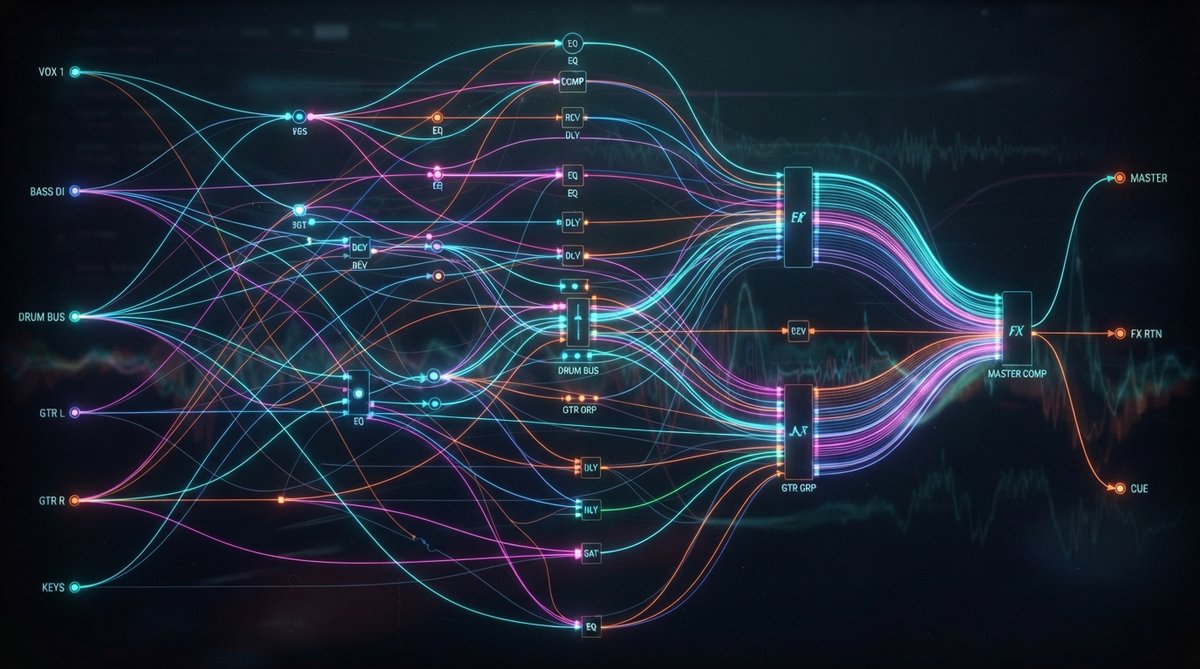
The Foundation: Subgroups and Bus Processing
Subgroups, also known as busses, are a cornerstone of efficient mixing. Instead of processing each drum track individually, for example, you can route all your drum tracks to a single drum bus. This allows you to apply processing to the entire drum kit as a cohesive unit, making it sound more unified and saving CPU resources. Common subgroups include drum busses, vocal busses, instrument busses, and effects busses.
Subgroups allow you to treat multiple tracks as a single entity, simplifying your workflow and enhancing mix cohesion.
When processing a subgroup, you're shaping the collective sound of its constituent tracks. This is where tools like multi-band dynamic enhancers really shine. For instance, placing OOMPH on a drum bus allows you to enhance the punch and clarity of the entire kit, controlling saturation, balance, and dynamics across four flexible frequency bands. This kind of macro-tone shaping helps to 'glue' the elements together, a concept explored further in our article on Glue Your Mix Advanced Bus Processing For Cohesion And Macro Tone Shaping.
Parallel Processing: Blending for Impact
Parallel processing involves blending a heavily processed signal with the original, dry signal. This technique is most famously used in parallel compression, where a heavily compressed signal is mixed with the uncompressed signal to add density and perceived loudness without crushing the dynamics. However, the principle extends to many other effects.
You might use parallel saturation to add warmth and harmonics to a bass guitar without losing its low-end integrity, or parallel delay to create dense echoes that don't overwhelm the dry sound. The key is to create a duplicate track or use a send/return setup, apply extreme processing to the duplicate, and then blend it in to taste. You can learn more about this versatile technique in The Art Of Parallel Processing Beyond Parallel Compression and Mastering Parallel Saturation Blending Clean And Driven Signals.
Crafting Effects Chains: Serial vs. Parallel
Effects chains dictate how your effects interact with each other and with your dry signal. There are two primary approaches: serial and parallel.
- Serial Processing: Effects are placed one after another on the same insert chain. The output of one effect becomes the input of the next. This is typical for effects like EQ, compression, and distortion (Schulz Tonebreaker or Schulz PortaCrunch 424), where each effect directly modifies the signal before it reaches the next. The order of effects in a serial chain can drastically alter the final sound.
- Parallel Processing (Send/Return): Time-based effects like reverb and delay are often best used on send/return tracks. Here, a copy of the dry signal is sent to an auxiliary track containing the effect, and only the 'wet' output of the effect is returned to the mix. This allows a single reverb instance, like our RedVerb 2 or the retro charm of JP-ME-1, to be shared by multiple instruments, creating a cohesive spatial environment. Modulation effects such as JUNI 1984 CHORUS can also be used effectively in a send/return setup to add subtle width and character to a group of instruments.
Using send/return tracks for time-based effects creates a more unified sense of space and saves valuable processing power.
Visualizing Your Signal Flow
As you implement these advanced routing techniques, it becomes increasingly important to truly understand what's happening to your audio signal. Visual analysis tools are invaluable here. An oscilloscope like Oszillos Mega Scope can show you how waveforms are being altered by compression or saturation, while a spectrum analyzer like Spectrum 2 helps you identify frequency buildups or clashes across your subgroups and effects returns. These tools provide critical feedback, helping you make informed mixing decisions. Dive deeper into their benefits in Oszillos Mega Scope Multi Channel Audio Oscilloscope Plug In and Spectrum 2 The Ultimate Multi Channel Spectrum Analyser Plug In.